

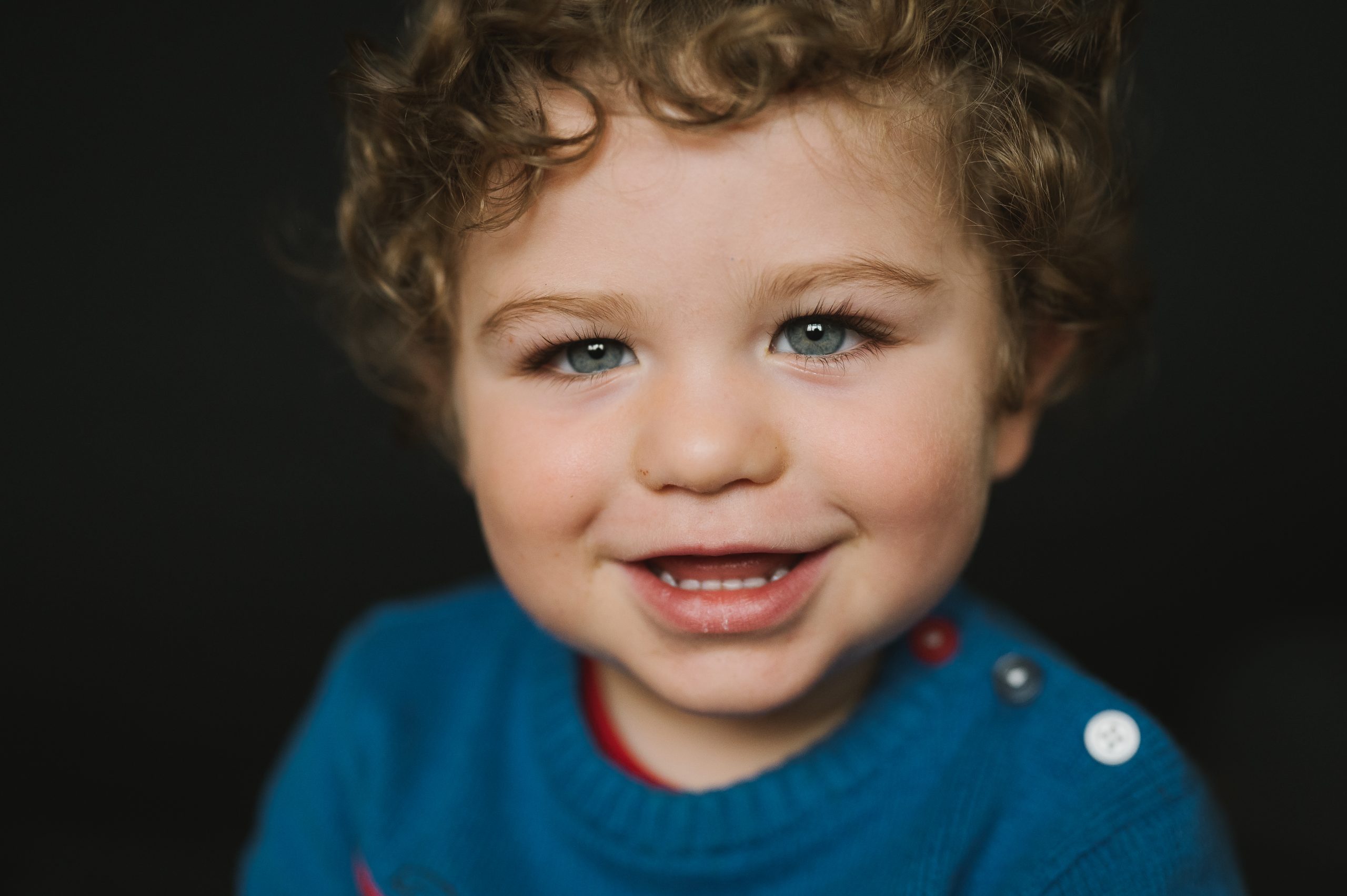
Get creative and crop that pic
One feature we love at Unscripted is that we love to give parents the chance to take our art and make it their own. Simply through cropping. So we say get go creative and crop that pic!
I LOVE a close crop on an image.
I LOVE seeing children’s features filling the frame.
Don’t be scared to crop.
You can either buy a digital version of the image and do this yourself with your chosen printer or if you’re ordering a print through ourselves, we have a cropping tool. Get in there – zoom in. Or, sometimes, we might shoot your kiddo super close and you’ll have a few close ups in your gallery (every kid is different so galleries do differ) – but if you do have one, print it BIG.
GO BIG. We can supply prints as big as 12×8 which look so lovely framed, especially as black and whites. Or go crazy and print yourself with your chosen supplier and grab a 20×16 for their larger frames. Get your kids face BIG on the wall. They look AWESOME. Freeze this chapter for them. Especially if they have all their teeth missing – I just love those portraits so much.
If you ever have any concerns about cropping, we have put together this little guide, here below. Or send me a message. I’d be happy to advise.
What is the Ratio for Unscripted Portraits?
There is more about ‘ratio’ in this blog but for now all you need to know is that our photographs are shot at a 6×4 ratio. So if you choose a 10×8 inch print, you will need to approve the crop to avoid any ears or worse being chopped off from the frame.
Not sure? – check our crop that pic guide here.
Crop Guide
At Unscripted, we like to give our families the creative freedom to create art from their school photos, to be able to print the photos you love how you want to. We therefore give you the option to crop your photographs. However, we often get asked about what’s the best way to crop. So here’s our handy guide:
Once you are in your gallery and you’ve found your fave photo and selected a print option, add it to your basket. When reviewing your basket, you will be able to review and edit your crops just…
Click ‘Crop photo’ under your image.
A new page will open , on the left under ‘EDIT PHOTO‘ is your selected image with your edit/cropping options to the right hand side under the title of ‘ADJUST CROPPING‘. All images are automatically ‘cropped’ by default depending on the size of print selected, then, you can decide if you want to amend the crop. Everything outside of the border of the red dotted line on your image will not be printed.
You can play about with your image by selecting anyone of the options under ‘ADJUST CROPPING‘
Select Crop – then go back to your image and click anywhere within the frame of the image, to drag the border around the image in order to select your preferred frame. If you want to zoom in, just select any one of the corners and drag inwards to zoom right in!
Then click on ‘save image’ ( on the right hand side) which will take you back to your basket and you can see your new amended crop.
The Adjust cropping section also gives you additional options to add a Whiteborder and change your image to either portrait or landscape. So go with..whatever works for you!
Consider Aspect Ratio
Aspect ratio is the measurement of a photo’s width to height. To get technical, our cameras shoot to a 3:2 aspect ratio. This matches the aspect ratio of a standard 4×6 inch print.
The problem arises with prints such as: 5×7 inch, 8×10 inch, 11x14inch.
All portraits in your gallery will be displayed at 3:2 ratio (like a 6×4 print)
This means: Every 8×10 inch or similar print you order will get cropped.
When we deliver an 8×10 inch print, you lose a full 2 inches from the original image.
What to do if you absolutely adore every single megapixel from the image and you don’t want anything cropped? You’ll need to order a 8×12 inch print to preserve the entire frame to reduce the risk of cropping.
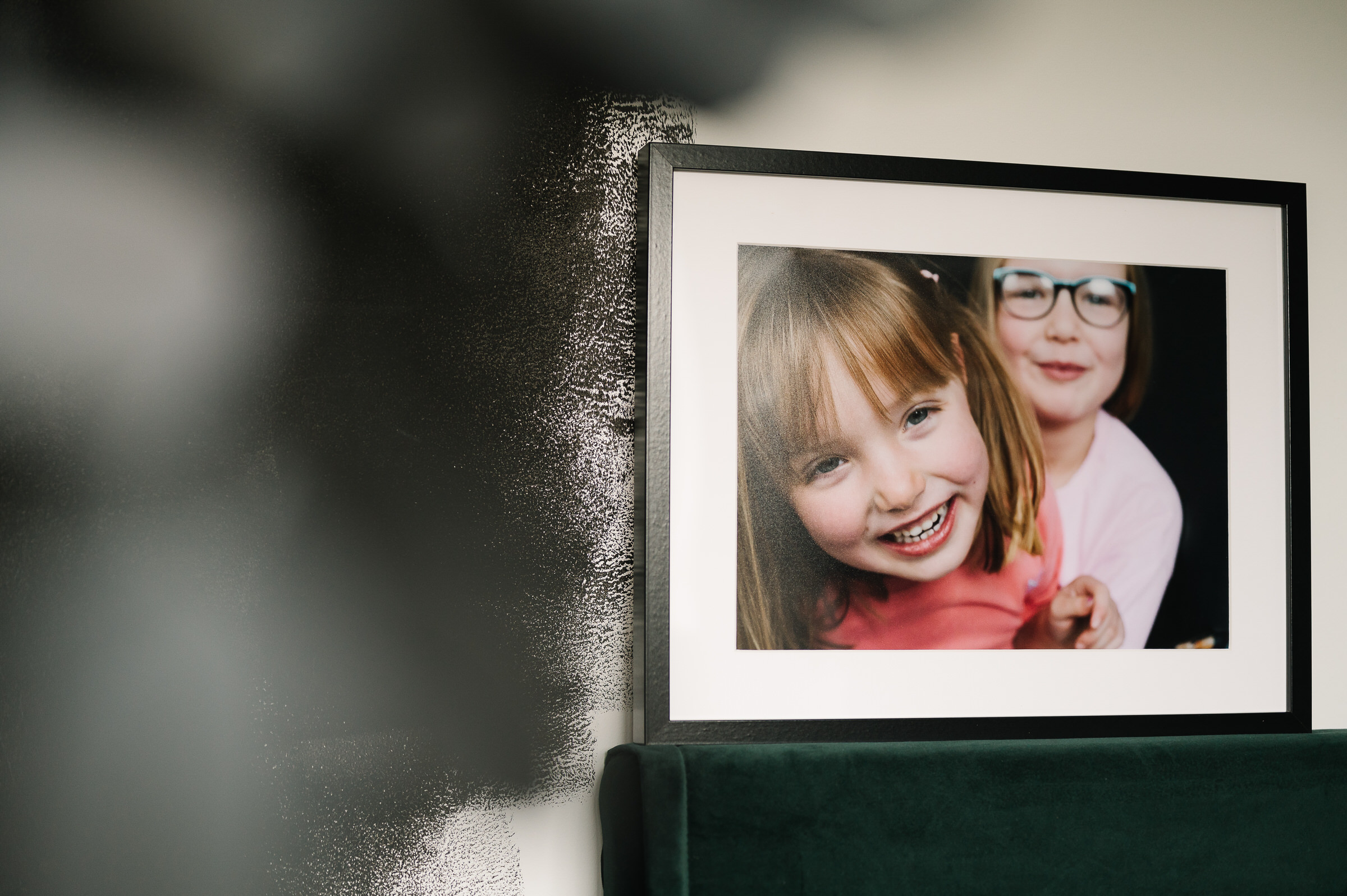
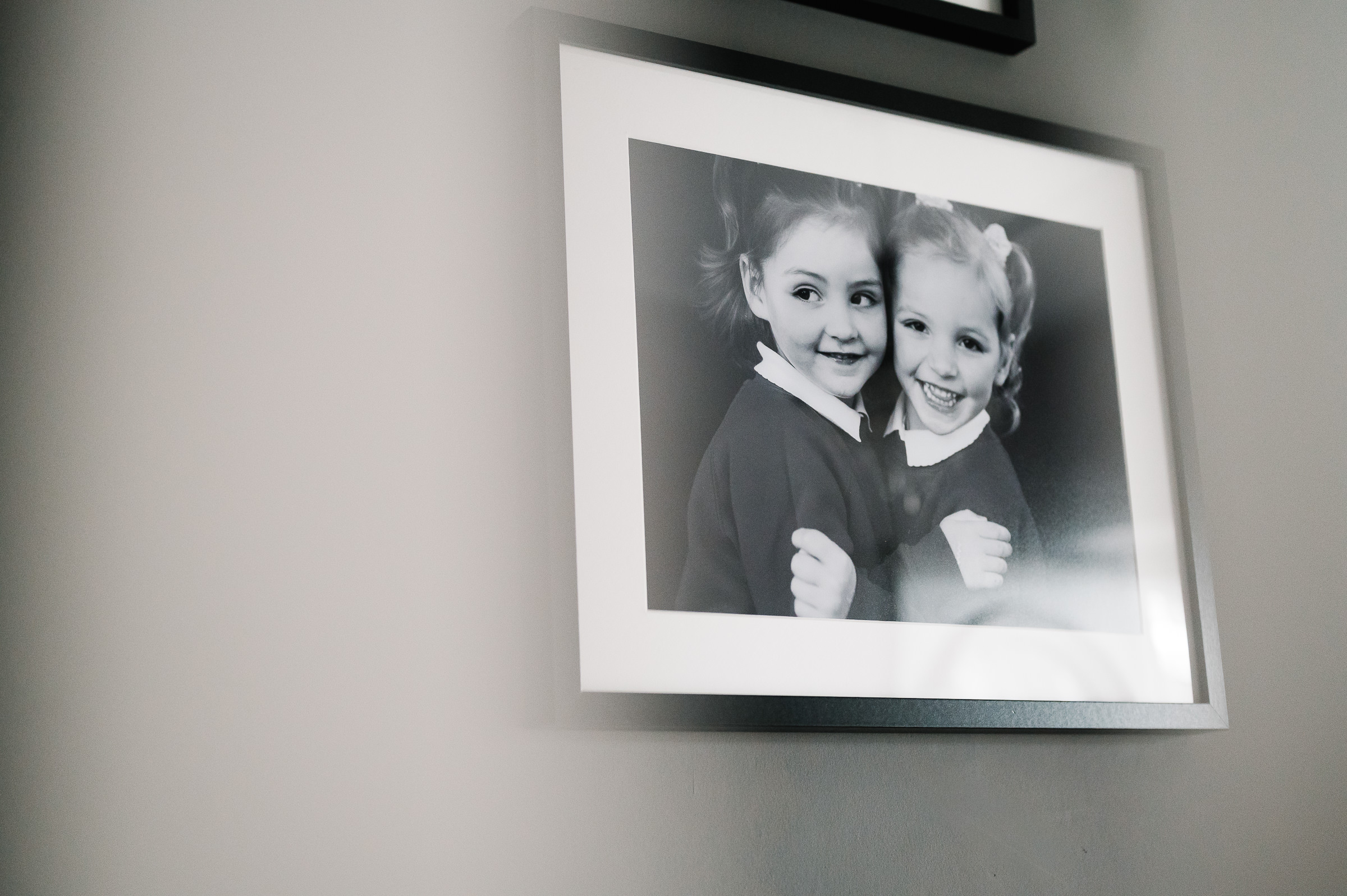
Want to see what we mean?
This example shows how different print sizes would crop (by default_ varying parts of the photo.
- The 8×10” (5:4 ratio) is almost a square so would need the biggest consideration (BLUE)
- The a 5×7” print would cut off a small portion of the image so you many need to adjust slightly (PINK).
- The safest ratio is similar to the camera (3:2) and will leave your entire image intact. These ratios are 6×4, 12×8 etc (WHITE)


Want to go creative?
Why we love a close crop at Unscripted
Sometimes we manage to actually achieve those at the time of the shoot, sometimes we’d like to go even closer. We encourage you to go a bit wild with your crops to really focus in on your child’s character and features. Fill the whole frame. We think close ups really look amazing up on your walls.
Here’s an example of how we took one image and really closed in on a child’s features to create a dramatic image.
The only time you might need to be careful is if the print size is really big 20×16 and above – please get in touch with us before ordering to make sure that your close crop can still print without distortion to that size. Our files are high resolution and can handle a lot of cropping, but we would probably like to check a drastic crop at a large size to avoid any disappointment – we’re always happy to help.
Why You Should Always Review Your Crop Before Printing
When ordering prints online, you’ve probably noticed that you’re asked to review your crop before submitting your order. At first glance, it might seem like just another step in the process, but trust us—it’s an important one!
Like most online photography companies, we handle thousands of images, making it impossible to manually check each one before sending them to our professional lab printers. While we do occasionally catch poor crops (because no one wants a print with half an eye missing!), we can’t always know your specific preferences for every image.
Photography is deeply personal. You might prefer to keep Charlie’s adorable little hand in the frame, even if it means cropping out a bit of the top of his head. These are choices only you can make, which is why we ask you to take a moment and review your crops before finalising your order.
So go ahead—get creative and take control of how your prints look. A few extra seconds of review can make all the difference in getting the perfect shot printed just the way you envisioned!